 Fradomos
Switch anything in the house
Lights, fans, sockets, heaters, shutters — with one tap, from the app, the wall panel or a web page.
Switch the lights, set the air conditioner, watch the energy, get a warning if there is gas. Fradomos keeps your home’s information in a box inside your own house, not in somebody else’s cloud.
Free to use at home Works without internet No cookies, no tracking
Your rooms, devices, history and pictures are kept in a box in your own house — not in somebody else’s cloud.
Lights, panel, app at home — they all keep working when the internet is down.
Scan the QR code on a circuit board and tell it your Wi-Fi. No cables to configure, no technical words.
Simple enough for everybody, with separate access for each person.
Start with a few lights. Add rooms, sensors, cameras and a wall panel whenever you like.
Lights, fans, sockets, heaters, shutters — with one tap, from the app, the wall panel or a web page.
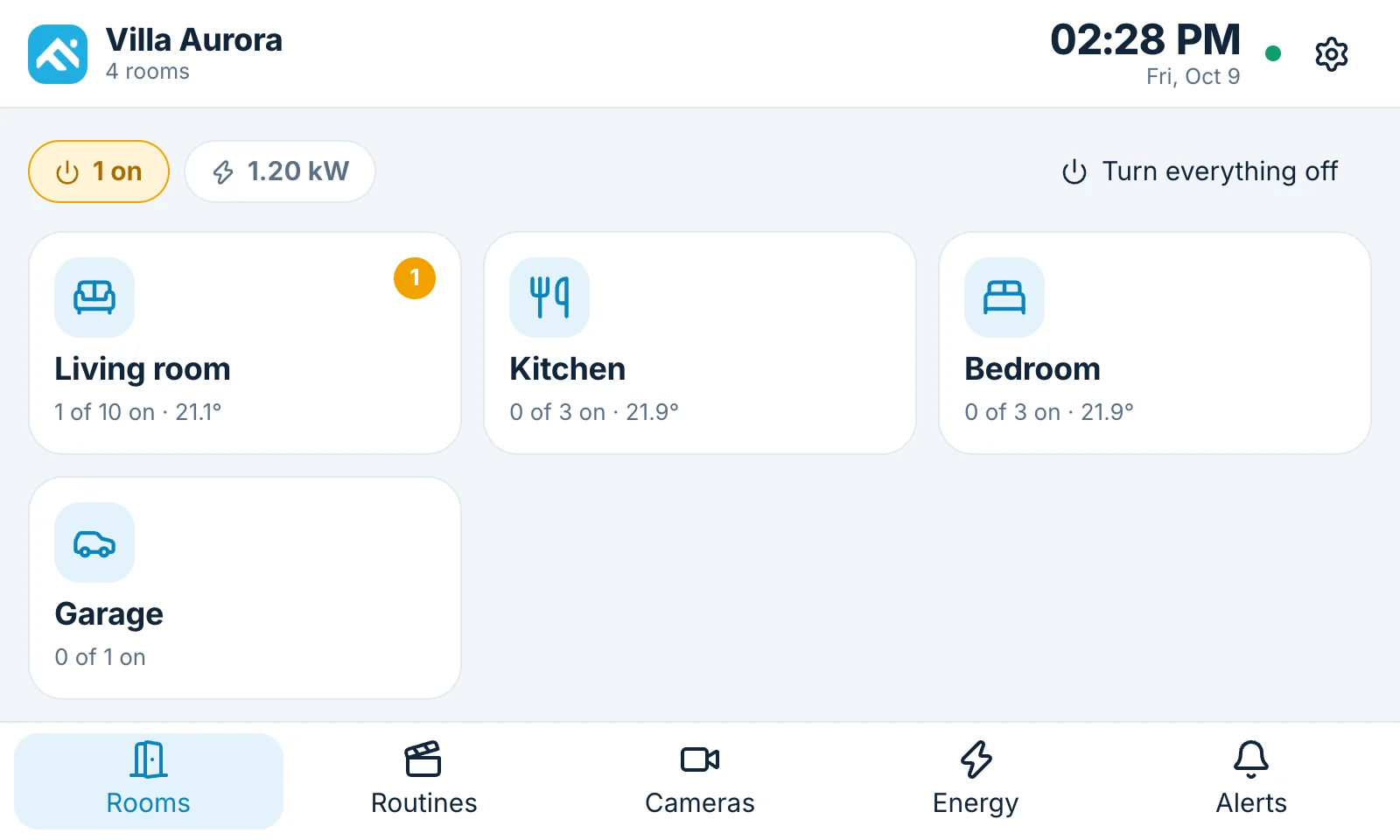
You build your home room by room: living room, kitchen, bedroom, garage — with your own house photo as the background.
“Movie mode”, “Leaving home”, “Good night” — many actions with one tap, or at the time you choose.
Replace the stack of remote controls with one screen. Fradomos presses the buttons for you.
Clear numbers for electricity: right now, today, this week, this month, and what it costs.
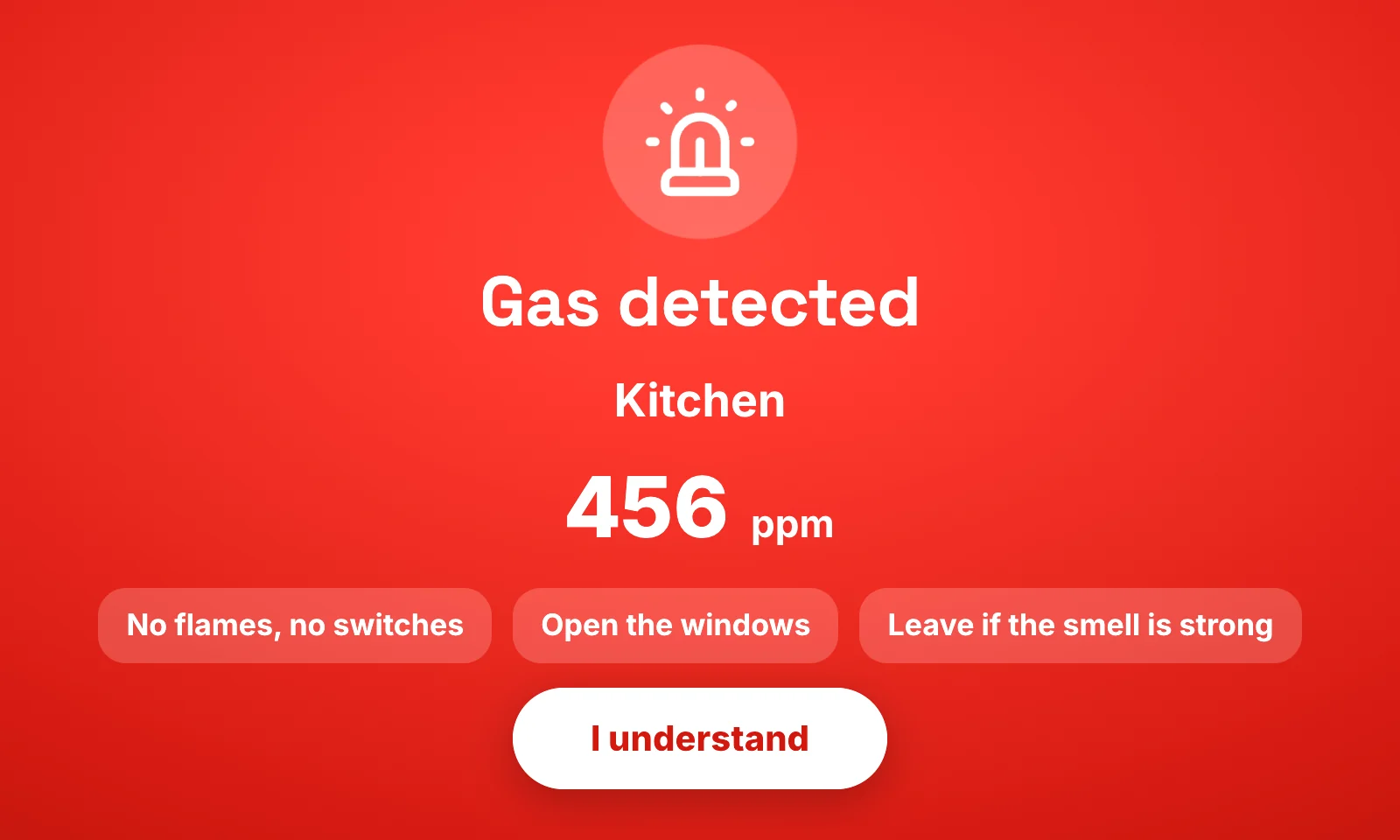
Know how warm each room is, if a door was left open, and get a loud warning if there is gas.
A box in your home that remembers everything, small circuit boards that switch and measure, and the app, the wall panel or a web page to control it all.
The Fradomos box sits next to your router. It is the brain of your home and keeps all your information.
Scan the QR code on a board with the app, tell it your Wi-Fi, and choose the room. That is the whole setup.
Your lights, appliances and sensors appear as buttons. Use them from the app, the wall panel or any browser.
Your rooms, schedules, energy numbers, sensor history and camera settings are kept on the box in your house. Our cloud only keeps a tiny registry so that you can reach your home from outside — never your passwords, never what is in your home.
The app, the panel and your box talk to each other inside your house. Free. No internet needed.
Optional. Your request travels through a secure connection to your box and back. Nothing is stored on the way.
It starts by itself, shows your rooms, switches to a calm clock and weather screen, locks with a code — and turns bright red if there is gas.
No. Inside your home everything works without the internet: the app, the wall panel, the web page of your box, your schedules and your warnings. The internet is only needed when you are away from home (remote access) and for things like the weather.
In your own home, on the Fradomos box (the miniserver). Rooms, devices, schedules, energy numbers, sensor history and your house photo never have to leave your house. Our cloud only keeps a small registry so that you can reach your home from outside — no passwords and no device information.
Everything at home is free to use. Remote access — reaching your home when you are away — is a subscription with a free trial. Prices are on the pricing page.
A Fradomos box in your home connected to your router, at least one Fradomos circuit board for the lights or appliances you want to switch, and the Fradomos app on your phone. A wall panel is optional.
Yes. Each new circuit board is added by scanning its QR code in the app and choosing the room. You can grow room by room.
Your lights and appliances keep working as they are, and the circuit boards reconnect by themselves when the Wi-Fi is back. The box keeps your schedules and settings. Only the things that need the network (the app and the panel talking to the circuits) wait until it returns.
New features, tips and the day the app arrives in the store. A few emails a year, with an unsubscribe button in every one.